Introduction to the Adobe Ecosystem
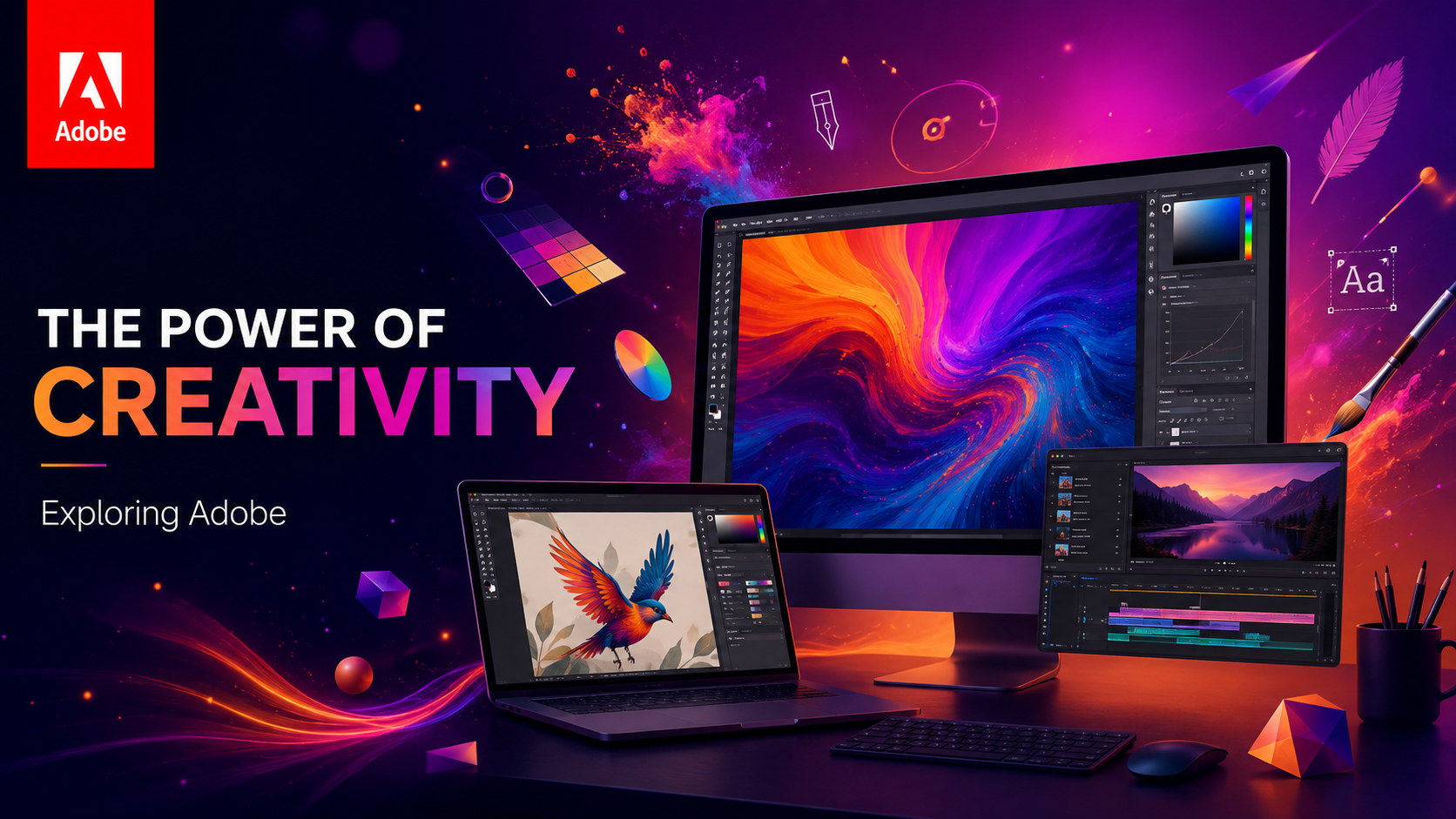
In the digital age, creativity has found its ultimate companion in the form of software suites that empower individuals to bring their imaginations to life. At the forefront of this creative revolution stands Adobe, a pioneer in providing tools that cater to every facet of design, photography, video editing, and beyond. This article delves deep into the world of Adobe, uncovering the power it holds to transform ideas into captivating realities. Whether you are a seasoned professional or a passionate beginner, the Adobe Creative Cloud offers a canvas where the only limit is your creativity.
From its humble beginnings with PostScript and Illustrator to the powerhouse it is today, Adobe has consistently pushed the boundaries of what is possible in digital media. The transition from standalone boxed software to the subscription-based Creative Cloud model has democratized access to these industry-standard tools, fostering a global community of creators who continuously inspire one another.
The Evolution of Adobe: A Legacy of Innovation
Adobe Systems Incorporated was founded in 1982 by John Warnock and Charles Geschke, two former Xerox PARC employees who sought to revolutionize the printing industry. Their first major success, PostScript, laid the foundation for desktop publishing. Soon after, Adobe Illustrator was born, bringing vector graphics to the masses. The real game-changer, however, arrived in 1990 with the launch of Adobe Photoshop. Originally developed by the Knoll brothers, Photoshop quickly became synonymous with image editing and manipulation.
Over the decades, Adobe expanded its repertoire through strategic acquisitions, such as Aldus (which brought PageMaker, later evolving into InDesign) and Macromedia (adding Dreamweaver and Flash to the family). This continuous expansion and commitment to innovation have solidified Adobe’s position as the undisputed leader in creative software.
Detailed Breakdown: Core Adobe Applications
Adobe Photoshop: The Industry Standard for Image Editing
Photoshop is arguably the most recognized software in the world. It is the go-to tool for raster image editing, digital painting, and compositing. With features ranging from basic color correction to complex multi-layered compositions, Photoshop is indispensable for photographers, graphic designers, and digital artists. Its powerful selection tools, adjustment layers, and advanced masking capabilities allow for unparalleled precision and creative freedom.
Adobe Illustrator: The King of Vector Graphics
Unlike Photoshop, which uses pixels, Illustrator relies on vector mathematics. This means that artwork created in Illustrator can be scaled infinitely without any loss of quality. It is the perfect application for designing logos, typography, illustrations, and scalable web graphics. The Pen Tool remains its most iconic and powerful feature, allowing designers to create precise paths and curves.
Adobe Premiere Pro: Cinematic Video Editing
Premiere Pro is a timeline-based video editing software widely used in the film, television, and web video industries. It supports a vast array of video formats and offers robust editing, color grading, and audio mixing tools. The seamless integration with other Adobe applications, such as After Effects and Audition, makes it a central hub for video post-production workflows.
Adobe After Effects: Motion Graphics and Visual Effects
When you need to add explosive visual effects, cinematic titles, or complex motion graphics to your video projects, After Effects is the tool of choice. It operates on a layer-based system, similar to Photoshop, but adds the dimension of time. From keying out green screens to tracking motion and creating 3D animations, After Effects is the engine behind many of the spectacular visuals seen in modern media.
Adobe InDesign: Mastering Page Layout
For publishing professionals, InDesign is essential. It is used to create posters, flyers, brochures, magazines, newspapers, and books. InDesign excels in handling multi-page documents, precise typography, and complex layouts. Its ability to create interactive PDFs and digital publications has also made it a vital tool in the digital publishing space.
Adobe Lightroom: The Photographer’s Darkroom
Lightroom is designed specifically for photographers. It combines non-destructive photo editing with powerful cataloging and organization features. While it lacks the pixel-level manipulation capabilities of Photoshop, it excels at batch processing, color grading, and managing large libraries of raw image files. It is the perfect tool for editing entire photoshoots efficiently.
The Benefits of Using Adobe Creative Cloud
The shift to the Creative Cloud model brought numerous advantages to users:
- Continuous Updates: Subscribers receive the latest features and bug fixes as soon as they are released, eliminating the need to wait for the next major software version.
- Seamless Integration: Adobe applications are designed to work together seamlessly. You can easily move assets between Photoshop, Illustrator, and Premiere Pro without losing formatting or quality.
- Cloud Storage: Creative Cloud includes cloud storage, allowing users to access their files from anywhere and collaborate easily with team members.
- Access to Fonts and Assets: Subscribers gain access to Adobe Fonts, a vast library of high-quality typefaces, as well as Adobe Stock for royalty-free images, videos, and templates.
- Mobile Apps: Adobe offers companion mobile apps, such as Photoshop Express and Premiere Rush, enabling users to create and edit on the go.
Adobe Sensei: The Future of AI in Design
Artificial Intelligence (AI) and Machine Learning (ML) are rapidly transforming the creative process, and Adobe is at the forefront of this revolution with Adobe Sensei. Sensei is the AI framework embedded within the Creative Cloud, powering features that automate tedious tasks and enhance creativity.
Examples of Sensei in action include Content-Aware Fill in Photoshop, which intelligently removes unwanted objects from images and fills in the background seamlessly. In Premiere Pro, Auto Reframe uses AI to automatically adjust the aspect ratio of videos for different social media platforms while keeping the main subject in the frame. These AI-driven tools save creators countless hours, allowing them to focus more on the creative aspects of their projects.
Tips for Mastering Adobe Software
Mastering Adobe tools can seem daunting, but with the right approach, anyone can become proficient:
- Learn Keyboard Shortcuts: Memorizing keyboard shortcuts is the single most effective way to speed up your workflow. Start with the most common tools and gradually expand your knowledge.
- Utilize Tutorials: The internet is overflowing with free and paid tutorials. Platforms like YouTube, Skillshare, and Adobe’s own website offer excellent resources for all skill levels.
- Practice Regularly: Like any skill, proficiency comes with practice. Set small projects for yourself to explore different tools and techniques.
- Join the Community: Engage with other creators on forums, social media groups, and platforms like Behance. Sharing your work and receiving feedback is invaluable for growth.
- Experiment: Don’t be afraid to push buttons and see what happens. Some of the best creative discoveries come from happy accidents.
Frequently Asked Questions (FAQs)
Is Adobe Creative Cloud worth the subscription cost?
For professionals and serious hobbyists, the answer is generally yes. The continuous updates, seamless integration, and access to industry-standard tools justify the cost for those who rely on these applications for their work or creative passions. However, for occasional users, the subscription model might be less cost-effective.
Can I buy Adobe software with a one-time payment?
No, Adobe has moved entirely to a subscription model for its core professional applications. However, some entry-level software, such as Photoshop Elements and Premiere Elements, are still available for a one-time purchase.
Are there good alternatives to Adobe products?
Yes, there are several capable alternatives. For instance, Affinity Photo and Affinity Designer offer powerful raster and vector editing with a one-time purchase model. DaVinci Resolve is a highly respected alternative for video editing and color grading. While these alternatives are strong, Adobe remains the industry standard in most professional environments.
How hard is it to learn Photoshop?
Photoshop has a steep learning curve due to its vast array of features. However, learning the basics (like layers, selections, and simple adjustments) can be achieved relatively quickly with the help of tutorials. Mastering the software takes time and consistent practice.
Does Adobe offer discounts for students?
Yes, Adobe offers significant discounts for students and teachers, making the Creative Cloud much more affordable for educational purposes. Verification of educational status is required to access these discounts.
Conclusion
Adobe has undeniably shaped the landscape of digital creativity. Its comprehensive suite of tools empowers individuals across the globe to express their ideas with unprecedented precision and flair. By understanding the core applications, leveraging the benefits of the Creative Cloud, and embracing the AI-driven future with Adobe Sensei, you can unlock your full creative potential. The world of Adobe is vast and ever-evolving, but for those willing to explore it, the possibilities are truly limitless.