Introduction to Adobe Creative Cloud in 2025
In the ever-evolving landscape of digital design and content creation, Adobe Creative Cloud (CC) remains the undisputed industry standard. As we navigate through 2025, Adobe has integrated groundbreaking artificial intelligence capabilities, most notably through Adobe Firefly, completely transforming how creatives approach their workflows. Whether you are a seasoned professional or a curious beginner taking your first steps into graphic design, video editing, or web development, diving into the Creative Cloud can seem daunting due to its sheer scale. This comprehensive guide will walk you through everything you need to know about Adobe Creative Cloud in 2025.
What is Adobe Creative Cloud?
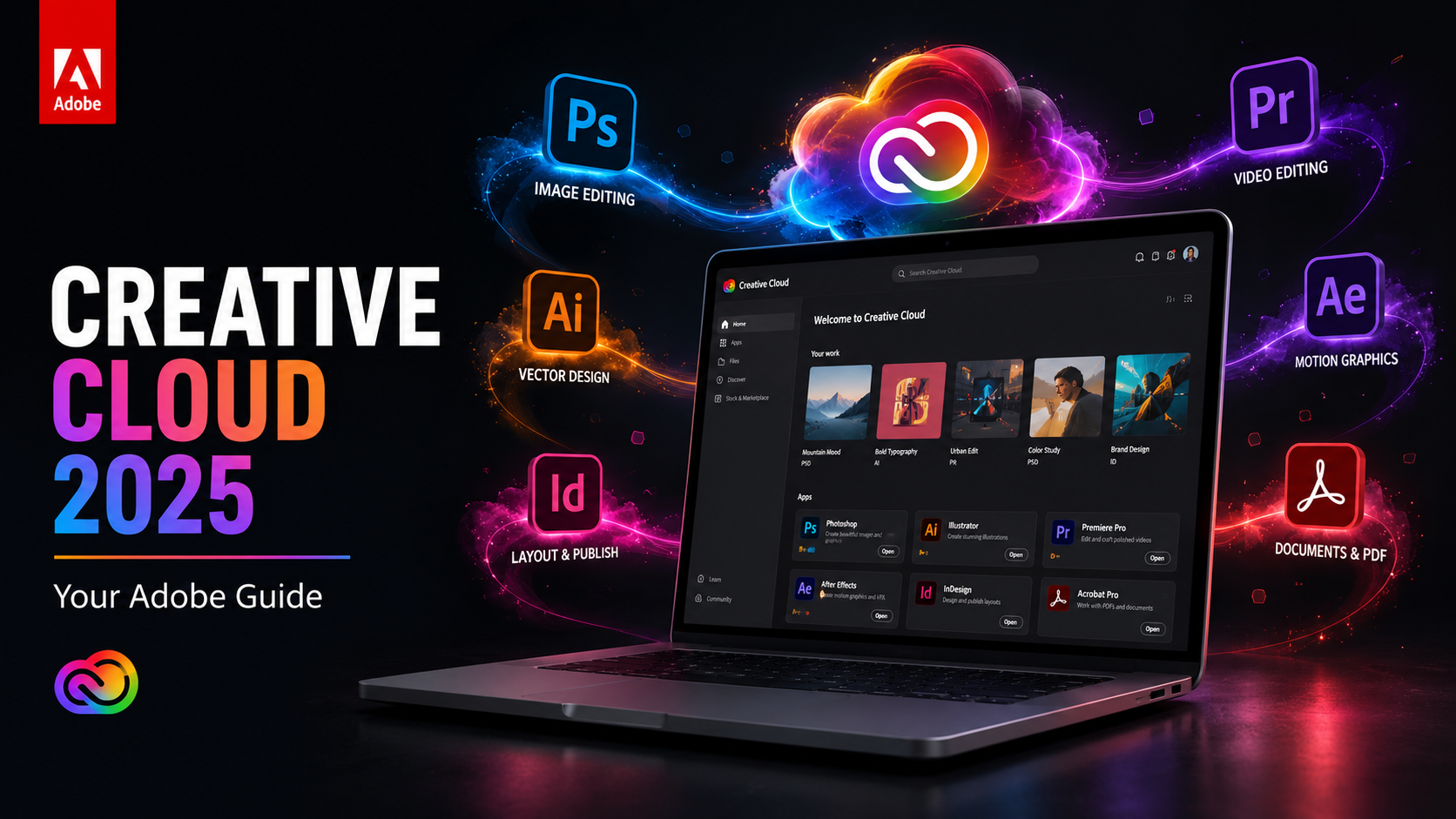
Adobe Creative Cloud is a subscription-based collection of over 20 desktop and mobile apps and services for photography, design, video, web, UX, and more. Gone are the days of purchasing individual software licenses outright; the Creative Cloud model ensures that users always have access to the latest versions of their favorite tools, complete with new features, bug fixes, and security patches.
Top Adobe Applications to Master in 2025
Adobe Photoshop: The King of Raster Graphics
Photoshop continues to be the flagship application of the Adobe suite. In 2025, the integration of Generative Fill and Generative Expand, powered by Adobe Firefly, has revolutionized photo editing. You can now add, remove, or expand content in images non-destructively using simple text prompts. It is an indispensable tool for photographers, web designers, and digital artists.
Adobe Premiere Pro: Video Editing Redefined
As video content dominates social media and digital marketing, Premiere Pro stands out as the premier non-linear video editing software. The 2025 updates bring enhanced text-based editing, allowing creators to edit video as easily as editing a text document. AI-powered audio enhancement and auto-color correction save hours of manual tweaking.
Adobe Illustrator: Vector Perfection
For logos, typography, and complex illustrations, Illustrator is unmatched. It deals with vector graphics, meaning your designs can scale infinitely without losing quality. The new Text to Vector Graphic feature in 2025 allows designers to generate fully editable vector patterns, icons, and scenes from simple descriptions.
Adobe After Effects: Motion Graphics and VFX
When you need to add cinematic visual effects or complex motion graphics to your videos, After Effects is the go-to application. It works seamlessly with Premiere Pro and provides deep integration with Cinema 4D for 3D modeling and animation.
Adobe Lightroom: The Photographer’s Best Friend
While Photoshop is for heavy manipulation, Lightroom is designed for photo organization, batch processing, and global adjustments. Its cloud-based ecosystem allows you to edit on your tablet and see the changes instantly on your desktop. The new AI-powered Lens Blur and AI masking make professional-grade photo finishing accessible to everyone.
Key Benefits of the Creative Cloud Ecosystem
1. Seamless Collaboration
In 2025, remote work and distributed teams are the norm. Creative Cloud Libraries allow you to share assets, color palettes, and character styles across different apps and with different team members instantly. The Share for Review feature streamlines the feedback process, eliminating the need for endless email chains.
2. Cloud Storage and Accessibility
With plans offering up to 1TB of cloud storage, you can access your work from anywhere, on any device. Start a sketch on Adobe Fresco on your iPad and finish it in Photoshop on your desktop without missing a beat.
3. Continuous Innovation
The subscription model means you do not have to wait years for the next major release. Adobe pushes out updates regularly, ensuring you are always equipped with the latest technological advancements, particularly in the realm of generative AI.
Tips for Getting Started with Adobe CC
Diving into Adobe CC can be overwhelming. Here are some tips to help you get started:
- Start with One App: Do not try to learn everything at once. Pick the application most relevant to your goals (e.g., Photoshop for photos, Premiere Pro for video) and master the basics first.
- Utilize Adobe Tutorials: Adobe offers an extensive library of free, high-quality tutorials right within the apps and on their website.
- Learn Keyboard Shortcuts: Memorizing keyboard shortcuts will exponentially increase your workflow speed.
- Customize Your Workspace: Tailor the interface to show only the tools you need for your specific workflow.
Frequently Asked Questions (FAQs)
Is Adobe Creative Cloud worth the price?
For professionals and serious hobbyists, the answer is a resounding yes. The constant updates, cloud storage, and access to industry-standard tools justify the subscription cost. However, casual users might want to explore the more affordable Adobe Elements line or single-app subscriptions.
Can I use Adobe CC offline?
Yes, the applications are installed locally on your hard drive, so you can use them offline. However, you will need to connect to the internet periodically (usually every 30 days) to validate your license and sync any cloud-based assets.
What is Adobe Firefly?
Adobe Firefly is a family of creative generative AI models developed by Adobe, designed to be safe for commercial use. It powers features like Generative Fill in Photoshop and Text to Vector Graphic in Illustrator.
Are there student discounts available?
Yes, Adobe offers significant discounts for students and teachers, often providing the full All Apps plan at a fraction of the regular price. It is highly recommended to take advantage of this if you qualify.
Conclusion
Adobe Creative Cloud in 2025 is more powerful, intuitive, and interconnected than ever before. The thoughtful integration of generative AI has lowered the barrier to entry while simultaneously raising the ceiling for what is creatively possible. Whether you are aiming to build a career in design or simply want to elevate your personal projects, taking the plunge into the Creative Cloud is an investment in your creative potential. Embrace the learning curve, explore the vast array of tools, and watch your ideas come to life.