Introduction to Adobe’s Creative Universe
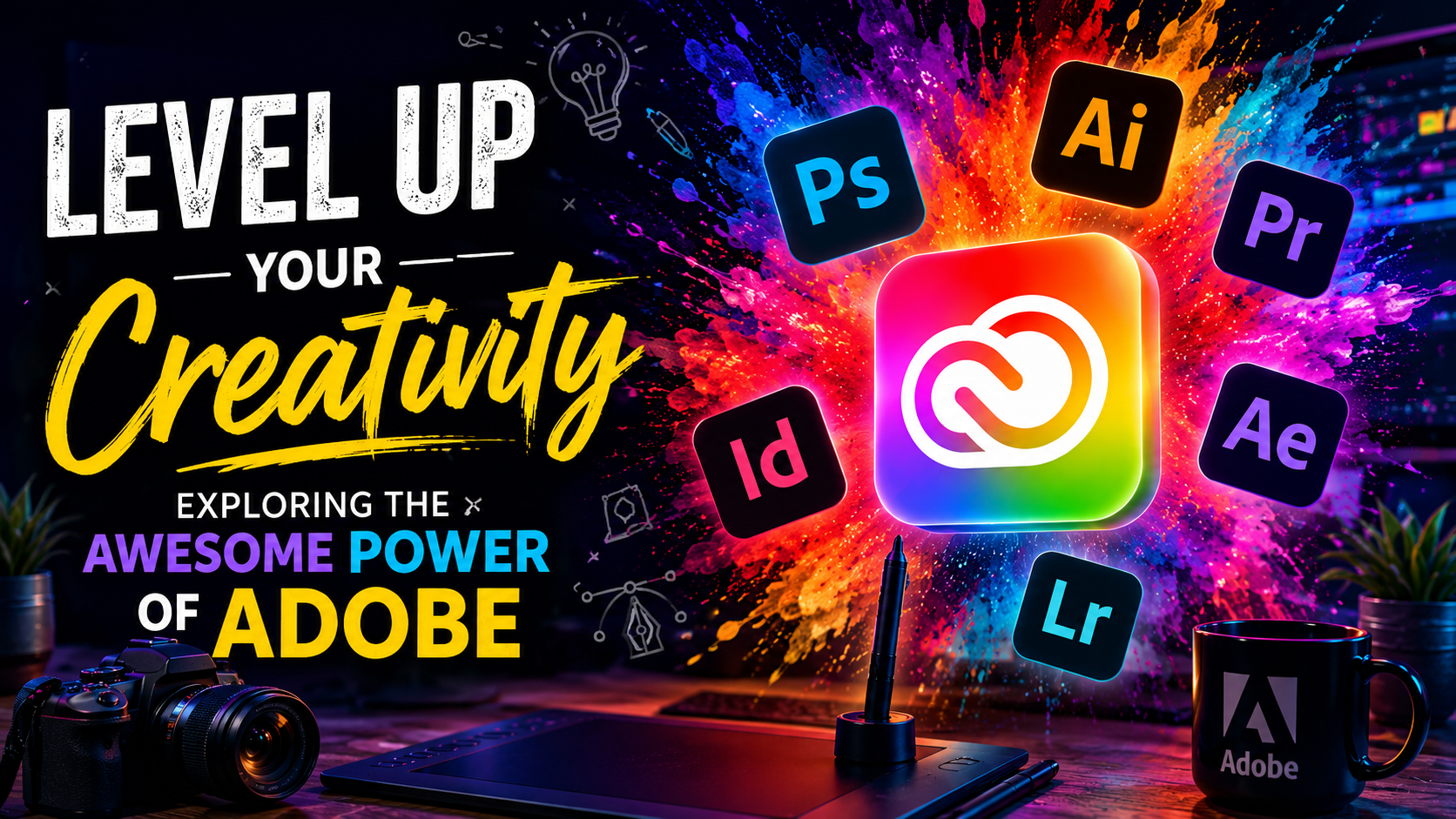
In today’s digital age, creativity is no longer just a hobby; it’s a vital skill for professionals across all industries. Whether you’re a graphic designer, a video editor, a web developer, or a digital marketer, the tools you use can make or break your workflow. Enter Adobe, the undisputed powerhouse in the creative software industry. For decades, Adobe has been at the forefront of innovation, providing creators with the tools they need to bring their wildest imaginations to life. In this comprehensive guide, we will explore the awesome power of Adobe and how you can leverage its suite of applications to level up your creativity.
The Core Pillars of Adobe Creative Cloud
The Adobe Creative Cloud (CC) is a collection of over 20 desktop and mobile apps and services for photography, design, video, web, UX, and more. Let’s delve into some of the core pillars that make Adobe CC an indispensable toolkit for creators worldwide.
Adobe Photoshop: The Magic of Image Editing
When you think of image editing, the first word that comes to mind is often Photoshop. It’s so ubiquitous that it has become a verb in our modern lexicon. Photoshop is the industry standard for raster graphics editing, offering an unparalleled array of tools for retouching, compositing, and digital painting.
With Photoshop, you can transform ordinary photos into extraordinary works of art. From simple color corrections to complex multi-layered composites, the possibilities are virtually limitless. Features like Content-Aware Fill, Neural Filters powered by Adobe Sensei (Adobe’s artificial intelligence framework), and advanced masking capabilities allow you to execute intricate edits with unprecedented speed and precision.
Adobe Illustrator: Vector Graphics Redefined
While Photoshop excels in manipulating pixels, Adobe Illustrator is the king of vector graphics. Vector graphics use mathematical equations to represent images, which means they can be scaled infinitely without any loss of quality. This makes Illustrator the perfect tool for creating logos, icons, typography, and complex illustrations.
Illustrator’s robust set of drawing tools, including the Pen Tool, Curvature Tool, and Shape Builder, empower designers to create clean, precise, and scalable artwork. The integration of advanced features like Global Edits and Recolor Artwork further streamlines the design process, making it easier than ever to iterate and experiment with different visual styles.
Adobe Premiere Pro and After Effects: Mastering Video Production
Video content is king in the digital landscape, and Adobe offers a dynamic duo for video production: Premiere Pro and After Effects.
Premiere Pro is a comprehensive non-linear video editing application used by professionals to edit feature films, television shows, and YouTube videos. Its timeline-based interface is intuitive yet powerful, allowing for seamless cutting, color grading, audio mixing, and multicam editing.
After Effects, on the other hand, is the industry standard for motion graphics and visual effects. Whether you’re creating cinematic movie titles, animating 2D characters, or adding explosive special effects, After Effects provides a vast playground for visual storytelling. The dynamic link between Premiere Pro and After Effects means you can seamlessly move between editing and compositing without ever needing to render intermediate files.
The Benefits of the Adobe Ecosystem
One of the most significant advantages of using Adobe software is the seamless integration between its various applications. This interconnected ecosystem, known as Adobe Creative Cloud, offers several key benefits that enhance productivity and collaboration.
Seamless Workflow Integration
The ability to move assets fluidly between different applications is a game-changer for creators. For example, you can create a vector graphic in Illustrator, import it into Photoshop to add texture, and then bring the layered file into After Effects for animation. This streamlined workflow eliminates the friction of file conversions and ensures that your creative vision remains intact across different mediums.
Cloud Storage and Collaboration
Adobe Creative Cloud comes with generous cloud storage, allowing you to access your files from anywhere, on any device. This is particularly beneficial for remote teams and freelance creatives who need to collaborate on projects. Features like Creative Cloud Libraries enable you to share assets, color palettes, and typography styles with your team, ensuring brand consistency and accelerating the design process.
Continuous Updates and Innovations
With a Creative Cloud subscription, you are always up to date with the latest features and improvements. Adobe is constantly pushing the boundaries of what’s possible, integrating cutting-edge technologies like artificial intelligence (Adobe Sensei) and augmented reality (Adobe Aero) into its applications. This commitment to innovation means that you will always have access to the most advanced tools in the industry.
Advanced Techniques to Elevate Your Work
Once you’ve mastered the basics, it’s time to explore some advanced techniques that will truly set your work apart.
Harnessing the Power of Adobe Sensei
Adobe Sensei is the artificial intelligence and machine learning framework that powers many of the intelligent features across the Creative Cloud. From automated subject selection in Photoshop to Auto Reframe in Premiere Pro, Sensei is designed to take the drudgery out of creative tasks, allowing you to focus on the artistic aspects of your projects. Learning how to leverage these AI-powered tools can significantly speed up your workflow and inspire new creative directions.
Mastering Typography with Adobe Fonts
Typography is a critical element of any design project, and Adobe Fonts provides a vast library of high-quality typefaces that you can seamlessly integrate into your work. Whether you’re designing a website in Adobe XD, laying out a magazine in InDesign, or creating a poster in Illustrator, having access to thousands of premium fonts at your fingertips is an invaluable resource.
Exploring 3D and AR
The future of design is undoubtedly three-dimensional and immersive. Adobe is paving the way with tools like Adobe Dimension for creating photorealistic 3D mockups and Adobe Aero for designing augmented reality experiences. By incorporating 3D and AR elements into your portfolio, you can create engaging, interactive content that captivates your audience and stays ahead of industry trends.
Frequently Asked Questions (FAQs)
1. Is Adobe Creative Cloud suitable for beginners?
Yes, absolutely. While Adobe software is used by professionals, the company offers extensive tutorials, step-by-step guides, and a supportive community to help beginners learn the ropes. The interfaces are also highly customizable, allowing you to start with basic workspaces and gradually unlock more advanced features as your skills progress.
2. Do I need to subscribe to the entire Creative Cloud, or can I purchase individual apps?
Adobe offers flexible pricing plans. You can subscribe to the entire Creative Cloud All Apps plan, which gives you access to the full suite of software. Alternatively, if you only need one specific tool, such as Photoshop or Premiere Pro, you can opt for a Single App plan. There’s also a Photography plan that includes Photoshop and Lightroom at a very accessible price point.
3. How does Adobe Sensei improve the creative process?
Adobe Sensei uses artificial intelligence and machine learning to automate tedious, time-consuming tasks. For example, it can automatically select the subject of an image in Photoshop, match colors and tones across different video clips in Premiere Pro, and even generate variations of vector artwork in Illustrator. By handling these repetitive tasks, Sensei frees up more of your time for actual creative exploration and ideation.
4. Can I use Adobe Creative Cloud on my mobile devices?
Yes. Adobe offers a range of powerful mobile apps that sync seamlessly with your desktop workflow via the Creative Cloud. Apps like Photoshop Express, Illustrator Draw, Premiere Rush, and Adobe Fresco allow you to create, edit, and sketch on the go, whether you’re using an iPad, an Android tablet, or your smartphone.
Conclusion: The Future of Creativity is Yours to Shape
The awesome power of Adobe lies not just in its comprehensive suite of tools, but in the boundless creative potential it unlocks. Whether you’re a seasoned professional looking to refine your craft or a passionate beginner eager to bring your ideas to life, Adobe provides the canvas, the brushes, and the community to support your journey.
By exploring the depths of Photoshop, mastering the precision of Illustrator, and breathing life into your stories with Premiere Pro and After Effects, you are equipping yourself with a skillset that is highly sought after in the modern digital landscape. Furthermore, the continuous innovations driven by Adobe Sensei and the seamless integration of the Creative Cloud ecosystem ensure that your workflow will remain efficient, collaborative, and forward-looking.
So, take the leap, experiment fearlessly, and let the awesome power of Adobe level up your creativity. The tools are in your hands; now it’s time to show the world what you can create.